
Android 15 and Android 12
Create devices on either Android base and run them side by side. Android 15 brings Private Space, desktop window mode, saved split-screen layouts and disks expandable to 1 TB.
V6.8.0 Android emulator by NetEase
Powerful Android Gaming, Redefined for Desktop
MuMu Player brings the Android gaming experience to your PC, combining smooth performance, responsive controls, and an immersive display. Enjoy your favorite mobile games on a larger screen with enhanced precision, flexible customization, and a seamless desktop gaming experience.
MuMu Player is an Android emulator developed by NetEase. It creates Android devices that run inside a window on your computer, so you can install games and apps from the built-in MuMu Store, a browser, or APK files and use them with PC-style controls.
The emulator has gone through several generations. Older releases such as MuMu Player 11 and MuMu Player X used version numbers in the 11.x and 12.x range. In late 2023 NetEase reset the numbering with a redesigned app built on an Android 12 kernel, and in July 2026 it released MuMuPlayer 6.0 with an Android 15 option. Today one install can hold Android 12 and Android 15 devices at the same time.
It suits players who want a larger screen, more precise controls or several accounts at once, and it is also handy for developers who need to see how an app behaves on two Android versions. Our balanced take: it is one of the most actively updated emulators, but the Mac edition costs money after the trial and the ARM build is still marked beta.
Nine capabilities documented in the official release notes and product pages, from Android 15 devices to developer tools.
Create devices on either Android base and run them side by side. Android 15 brings Private Space, desktop window mode, saved split-screen layouts and disks expandable to 1 TB.
Raise the frame-rate limit in display settings, up to 480 FPS on recent Windows builds where games allow it.
Press F12 in a game to show or hide the key scheme. Smart key mapping supports conditions, and schemes can be shared and imported.
Run several Android devices at once, number and sort them, search the list and create desktop shortcuts for each.
Separate builds for Windows on ARM (beta) and Apple Silicon Macs through MuMuPlayer Pro.
Set a device location with search and history, added across versions 5.22 and 5.24.
Pick the rendering GPU manually under performance settings, useful on laptops with both integrated and dedicated graphics.
Install from the MuMu Store, the built-in browser, or by double-clicking APK, APKS and XAPK files and choosing the target device.
View each device's ADB port on Windows; on Mac, manage devices from the command line and connect over ADB.
Performance figures such as launch time and FPS gains are NetEase's own claims; we haven't benchmarked them independently. See every feature in detail.
From installer to game controls in four stages. Each step reflects how the official app is organised.
The installer adds the MuMu Player manager to Windows or macOS. This is where you create, start and organise Android devices.
Each device is a virtual Android system. CPU virtualization (VT) is recommended, and the GPU renders graphics through DirectX 11 or OpenGL 4.x.
Choose Android 15 or Android 12, screen orientation and performance settings, then launch one device or many.
Add apps from the MuMu Store, browser or APK files, then map keys with F12 and tune the frame rate.
Which systems and devices are officially covered, which are in beta and which aren't supported.
| Platform | Status | Details |
|---|---|---|
| Windows (x64) | Supported | Windows 7 or later per NetEase's recommended spec; DirectX 11.0 or OpenGL 4.x required. Latest build V6.8.0. |
| Windows on ARM | Beta | Separate ARM installer offered on the official download page. |
| macOS (Apple Silicon) | Supported | Delivered as MuMuPlayer Pro; paid after a 7-day trial on untried Macs. |
| 32-bit-only Windows | Not suitable | NetEase notes 32-bit-only systems can't install the Android 64-bit edition. |
| Linux / ChromeOS | No official build | Not offered by NetEase. |
| Android & iOS phones | Companion app | The MuMuPlayer mobile app remotely controls your emulator devices (V6.8.0+); it is not an emulator itself. |
| Game controllers | Supported | Mainstream gamepads, with key mapping and a native controller mode. |
| Android app formats | APK · APKS · XAPK | Manual install supported alongside the store and browser. |
NetEase publishes one recommended Windows configuration. We add practical notes for lighter PCs, clearly marked as our guidance.
Every button opens NetEase's official download page, which serves the current installer for your platform. We don't host files, so there's nothing to repackage.
Links open mumuplayer.com in a new tab. No SHA-256 hash is published officially, so check the file's digital signature in Windows properties. Full download details
A balanced view based on documented features and known limitations.
The people who get the most out of an Android emulator on a desktop, and what each group uses it for.
Play mobile titles on a larger screen with keyboard, mouse or gamepad, higher frame-rate limits and several accounts in separate instances.
Capture gameplay from a desktop window, record macros with the operation recorder and keep a clean Android device just for recording.
Check an app on Android 12 and Android 15 side by side, connect over ADB and install builds by dragging in APK or XAPK files.
Use Android-only study or language apps on a laptop with a full keyboard, without needing a second phone.
Support and QA teams can reproduce customer issues on a known Android version, or demo a mobile app on a meeting-room screen.
Observe how an Android app behaves in a disposable, resettable device, keeping tests away from personal phones.
Eight key areas of the app, each captioned with what it does and where to find it.
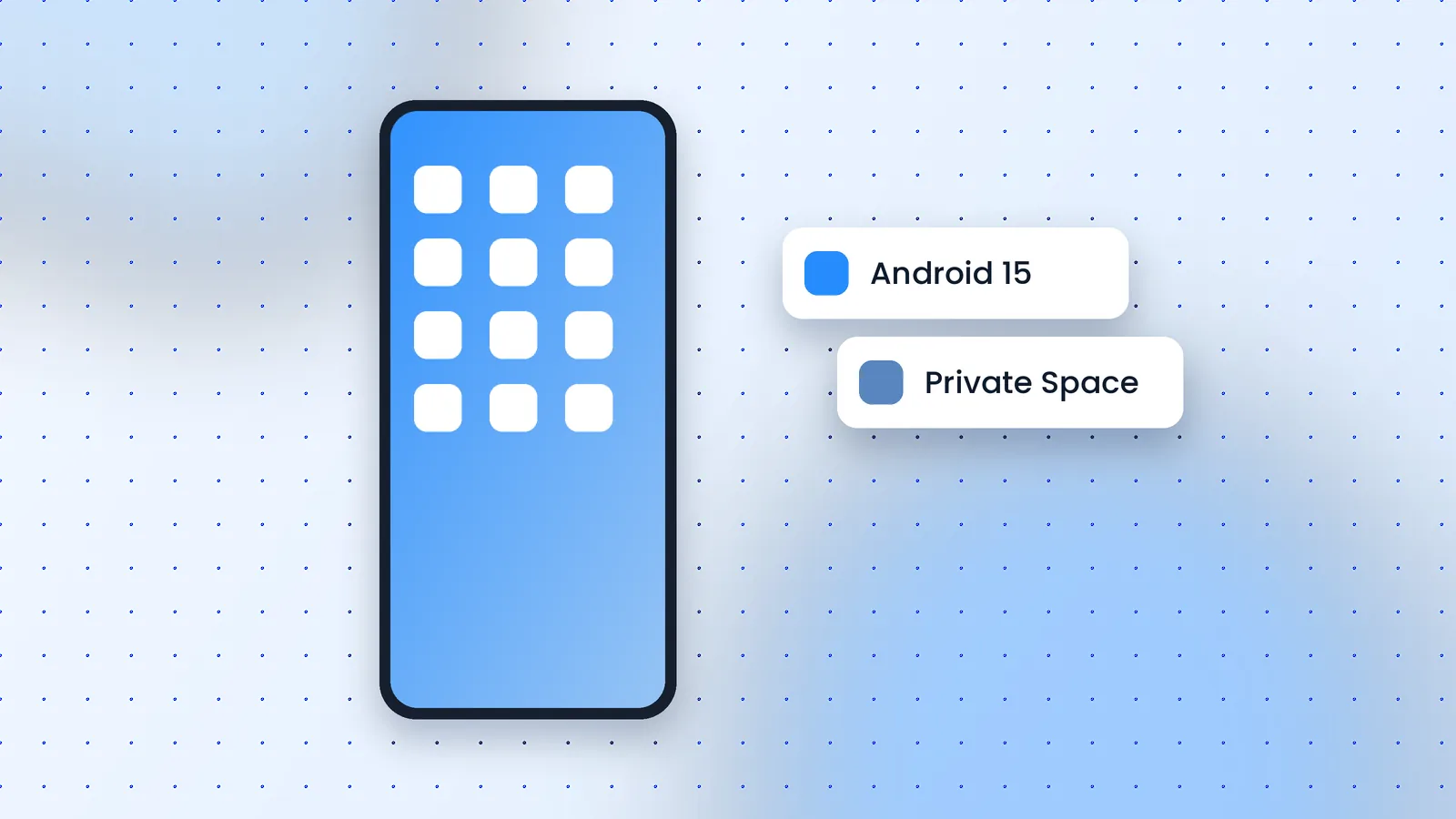
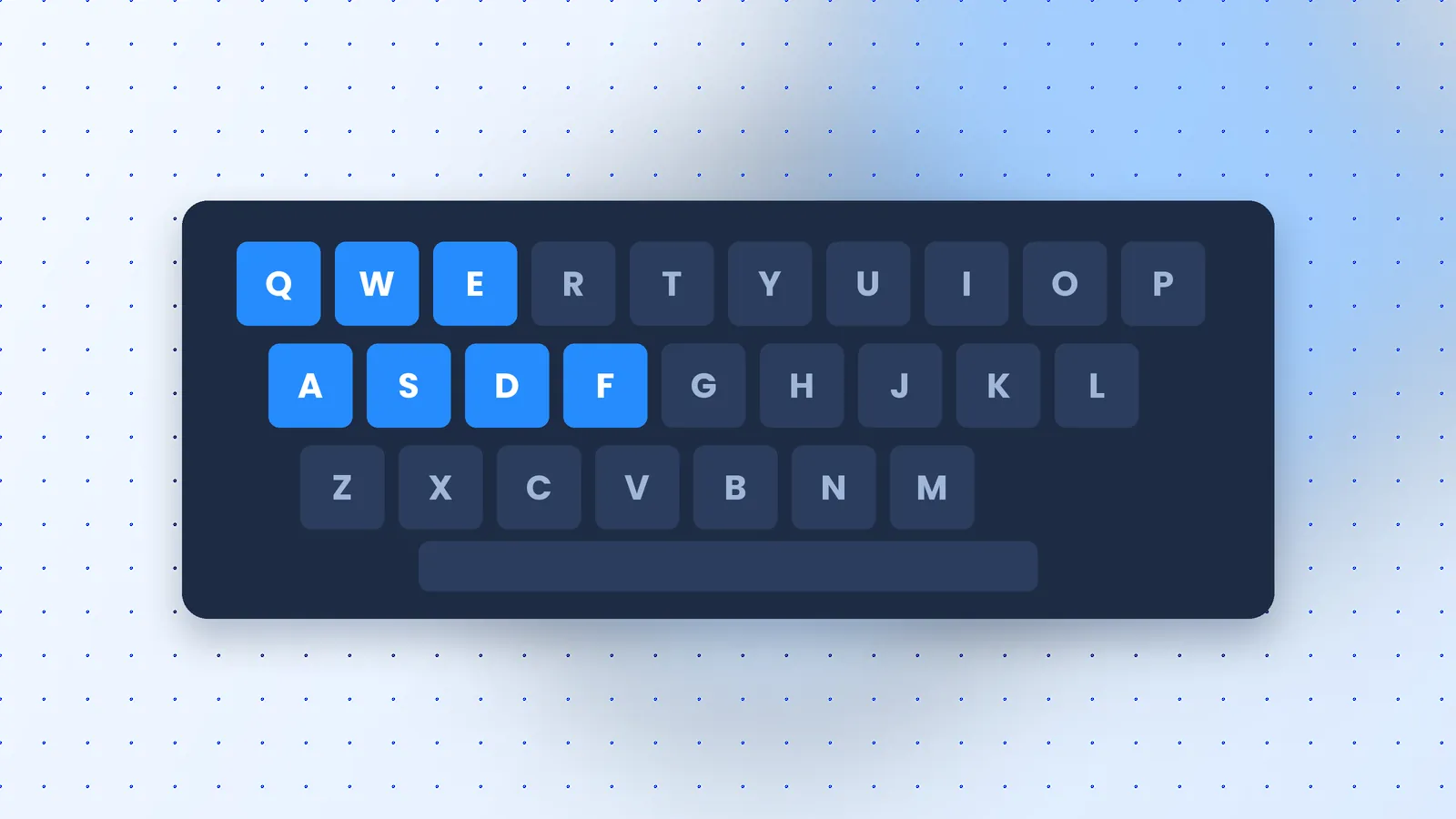
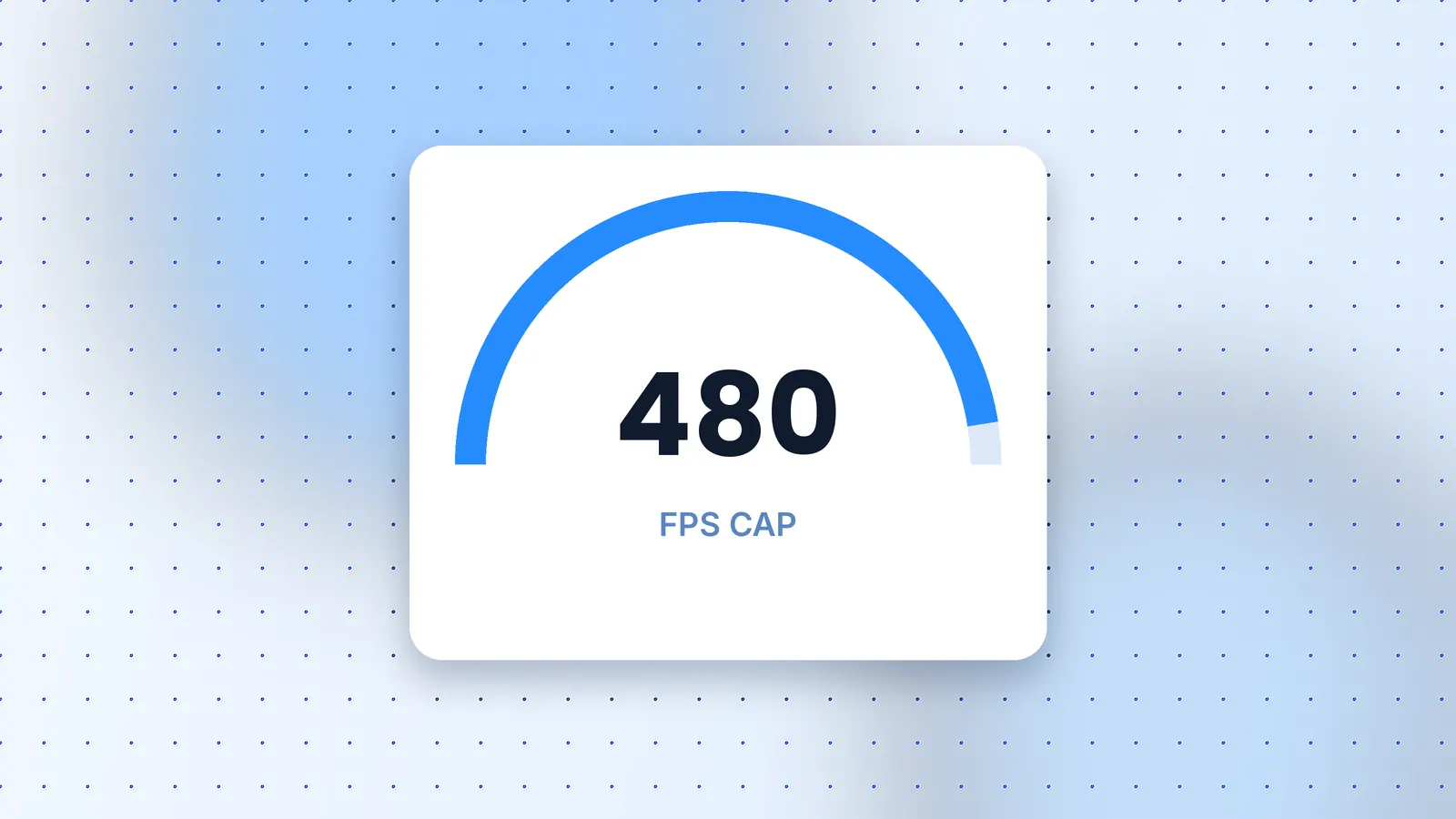
These are original illustrations, not product screenshots. For the live interface, see the official MuMuPlayer site.
MuMu Player comes from NetEase, a well-known games publisher, and the official site publishes release notes, a privacy policy and terms of use. Safety mostly depends on where you download it and how you use it.
We haven't run our own antivirus scan of the installer and don't display scan badges.
How the main Android emulators compare on price, platforms and trade-offs.
| Emulator | Price | Platforms | Stand-out strength | Main limitation |
|---|---|---|---|---|
| MuMu Player | Free on Windows; Mac edition paid | Windows, Windows ARM (beta), macOS | Android 15 and 12 instances, 480 FPS cap, mobile companion app | Mac version is subscription-based after trial |
| BlueStacks | Free to download | Windows, macOS | Long-running emulator with a large community and mature key mapping | Free tier is commonly reported to show in-app promotions |
| LDPlayer | Free to download | Windows | Gaming-focused with multi-instance and macro tools | Windows only |
| NoxPlayer | Free to download | Windows, macOS | Macro recording and multi-instance | Generally ships older Android bases than MuMu's Android 15 option |
| MEmu Play | Free to download | Windows | Lightweight setup aimed at modest PCs | Windows only |
| Google Play Games on PC | Free | Windows | Official Google client with a curated game catalog | Only titles Google has approved; no general APK sideloading |
Read the full comparison for when each alternative is the better pick.
Quick answers to the questions people ask most before downloading.
On Windows, MuMu Player is free to download and use; NetEase lists it as a free emulator. On macOS the edition is called MuMuPlayer Pro and is paid, with a 7-day free trial for Macs that have not used it before. Check the official site for current pricing, because plans can change.
Use the official download page at mumuplayer.com/download. Every download button on this site points there. Avoid repackaged installers from file mirrors, since you can't confirm what has been added to them.
NetEase recommends Windows 7 or later with DirectX 11.0 or OpenGL 4.x; Intel Core i5-7500 or better, 4+ cores, virtualization (VT) supported and enabled; NVIDIA GTX 950 or better; 4 GB or more of memory; and 2 gb free on the install drive plus 1.5 gb free on the system drive. Lower-spec PCs can run it, but expect fewer instances and lower frame rates.
Yes, as a beta. The official download page offers a separate Windows ARM build alongside the standard Windows and macOS installers. Beta builds can have more compatibility gaps, so test your key apps before relying on it.
MuMu Player is developed by NetEase, a large, publicly listed games company, and the official site publishes release notes, a privacy policy and terms of use. The main risks come from unofficial download sources and from using automation features in games that forbid them. We have not run our own malware scan of the installer.
The newest Windows build listed in the official release notes is V6.8.0, dated September 23, 2026. The macOS edition follows its own version numbering. We last checked on October 30, 2026.
Open Device Settings, then Display, then the frame-rate settings, and raise the limit above 60. Recent Windows builds allow up to 480 FPS where the game and your monitor support it. Higher limits increase CPU and GPU load, so raise it gradually.
Choose MuMu Player if you want an Android 15 option, Windows on ARM support or Apple Silicon support through MuMuPlayer Pro. BlueStacks has a longer track record and a very large user community. Both are free on Windows, so testing your main game on each is the most reliable way to decide.