Searches for MuMu Player 32 bit usually come from people with older laptops or PCs running 32-bit Windows. The short answer: the current emulator is built for 64-bit systems, but many "32-bit" PCs can be upgraded.
What NetEase Says
When NetEase released its Android 9 edition, its official blog noted that if a system only supports 32-bit, the Android 64-bit version of the emulator can't be installed. Today's Android 12 and Android 15 devices are 64-bit, and the recommended configuration calls for a 4-core CPU with virtualization support, so a true 32-bit setup isn't a realistic target.
Check What You Actually Have
Open Settings, System, About. Under "System type" you'll see one of these:
- 64-bit operating system, x64-based processor: you're fine; use the standard Windows download.
- 32-bit operating system, x64-based processor: your hardware is 64-bit capable, but Windows was installed as 32-bit.
- 32-bit operating system, x86-based processor: the processor itself is 32-bit only.
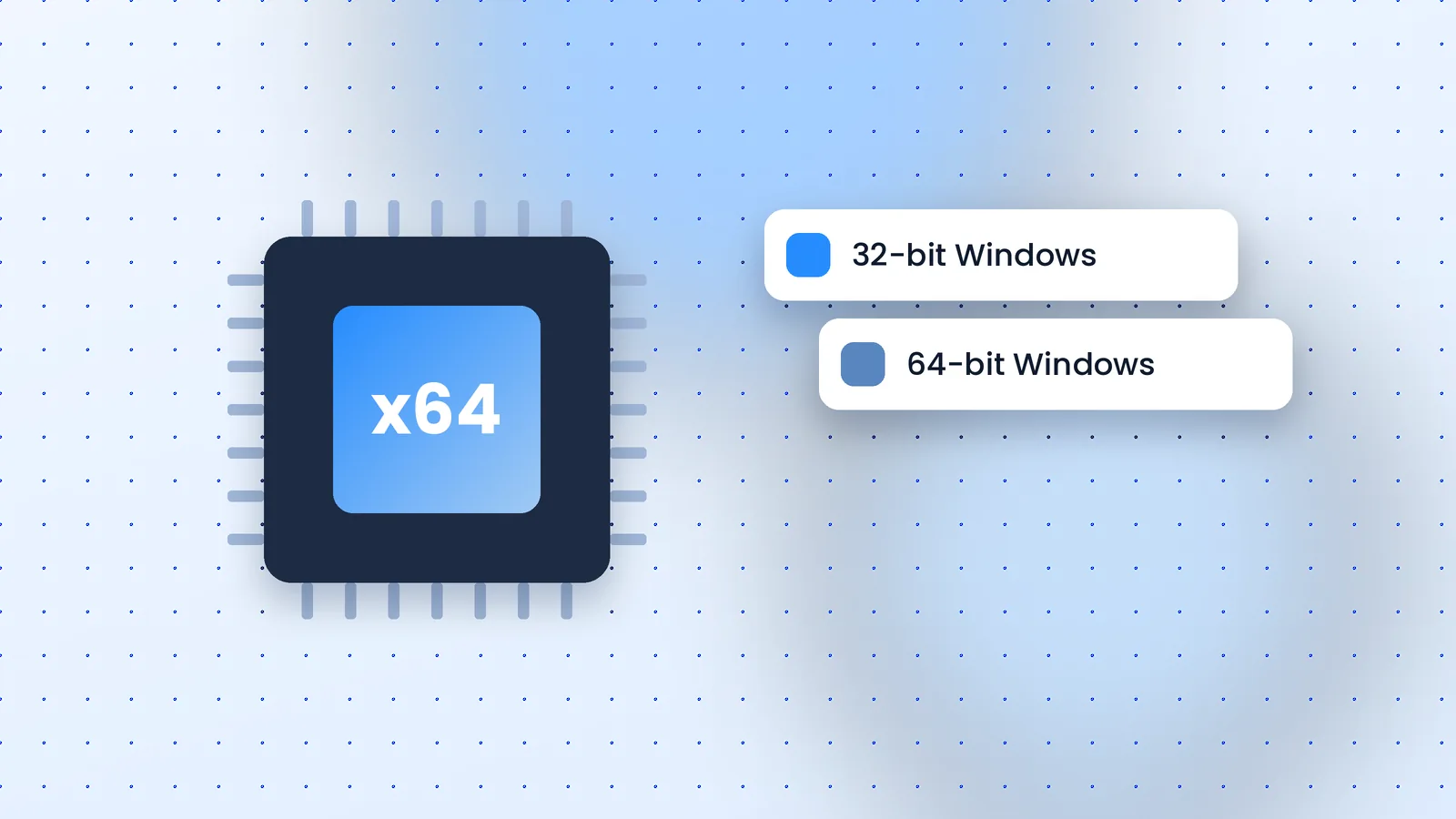
If Your Processor Is 64-Bit Capable
A clean install of 64-bit Windows unlocks current software, including the emulator. It requires backing up your files and reinstalling Windows, so it's a significant step; check your license and drivers first. With 4 GB of RAM or more it's usually worthwhile.
If Your Processor Is 32-Bit Only
These machines are typically well below the recommended Intel Core i5-7500 or better anyway. Options are limited:
- Use the Android apps on a phone or tablet instead.
- For games, check whether Google Play Games on PC or a cloud gaming service supports the title.
- Avoid "32-bit MuMu" installers on download sites. They are either very old builds or mislabelled, and can't be verified.
Bottom Line
A genuine MuMu Player 32 bit build for current Android versions doesn't exist. Upgrade to 64-bit Windows if your hardware allows it, then get the official installer from our download page.