MuMu Player Pro is NetEase's Android emulator for macOS. NetEase describes MuMuPlayer as the first emulator adapted to Apple Silicon Macs. Unlike the free Windows version, the Mac edition is a paid product after a trial.
Trial and Pricing
According to the official FAQ, MuMuPlayer offers a 7-day free trial on Mac devices that haven't tried it before. You sign in to an account to activate it. When the trial ends, you can buy or renew a subscription from the Mac menu bar or the Personal Center on the app's home screen. Prices vary by region and plan, so check them in the app.
Installing It
- Choose Download for macOS on the official download links.
- Open the disk image and drag the app into Applications.
- Launch it, confirm the security prompt if macOS shows one, and sign in to start the trial.
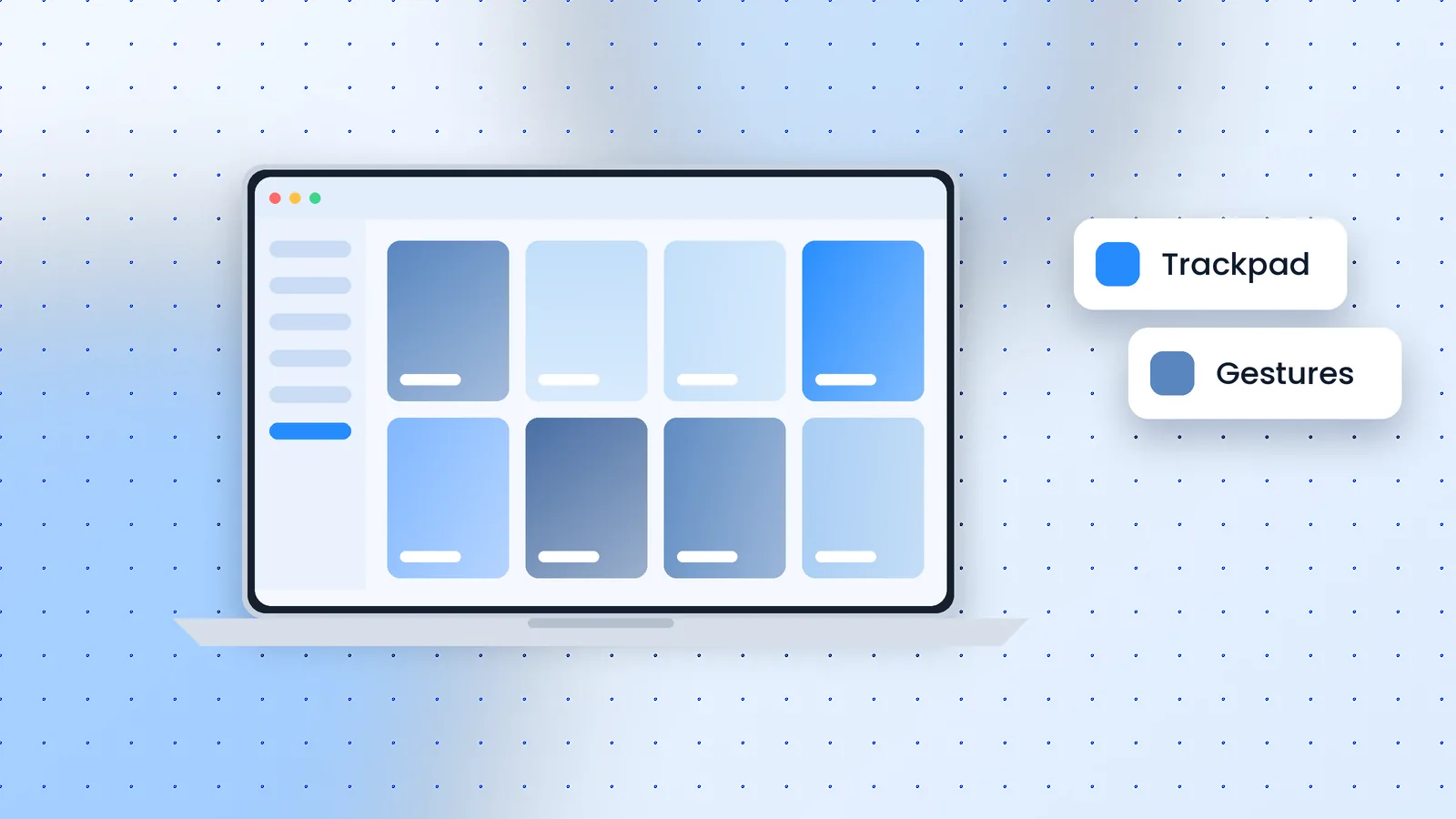
Trackpad Gestures
The Mac edition adapts Android navigation to the trackpad by default:
- Two-finger swipe down: open the notification panel.
- Two-finger swipe up: open the app drawer.
- Two-finger swipe left or right: switch home-screen pages.
- Two-finger double tap in the middle: multitasking; on the left or right: previous or next app.
Developer Features
From version 1.5.4, the top menu bar includes developer tools: command-line device management, ADB connections, and quick toggles for network and airplane mode. That makes it useful for testing Android apps on a Mac without a physical phone.
Fixing "Insufficient Disk Space"
Low storage can stop Android devices from starting or prevent app downloads. Free up space by optimising Mac storage, emptying the Trash and uninstalling apps you don't use, then restart the device.
Is It Worth Paying For?
If you play Android-only games on an M-series Mac, the trial is the best test. Run your main game for a week; if it performs well, the subscription buys you a native option. If you mostly use Windows, the free PC version covers the same core features.