The MuMu Player 6 download is the biggest update in years: it adds an Android 15 base alongside Android 12. NetEase announced MuMuPlayer 6.0 on July 9, 2026, and the 6.x line has been updated every few weeks since. Here's what's new and how to use it well.
What Android 15 Adds
According to NetEase's release notes, the Android 15 devices bring:
- A newer system base for apps that require recent Android versions.
- Lock screen support, set from quick settings or the Settings app (V6.1.3).
- Disks up to 1 TB under Device Settings, Disk (V6.1.3).
- Desktop window mode to open several app windows on the Android desktop, and saved split-screen layouts (V6.2.3).
- Private Space for keeping apps separate (V6.5.2).
Android 12 Isn't Going Away
NetEase's launch announcement says you can create and manage Android 12 and Android 15 instances separately. That matters because some games and older apps are tuned for a specific Android version. Keep an Android 12 device for anything that misbehaves on 15.
How to Get an Android 15 Device
- Install or update to the current build from the official download links.
- Open the main window and choose New Device, then pick Android 15.
- Or upgrade an existing device: Device Operations, Upgrade Android Version (V6.2.3 and later). Back up anything important first.
Other Version 6 Changes
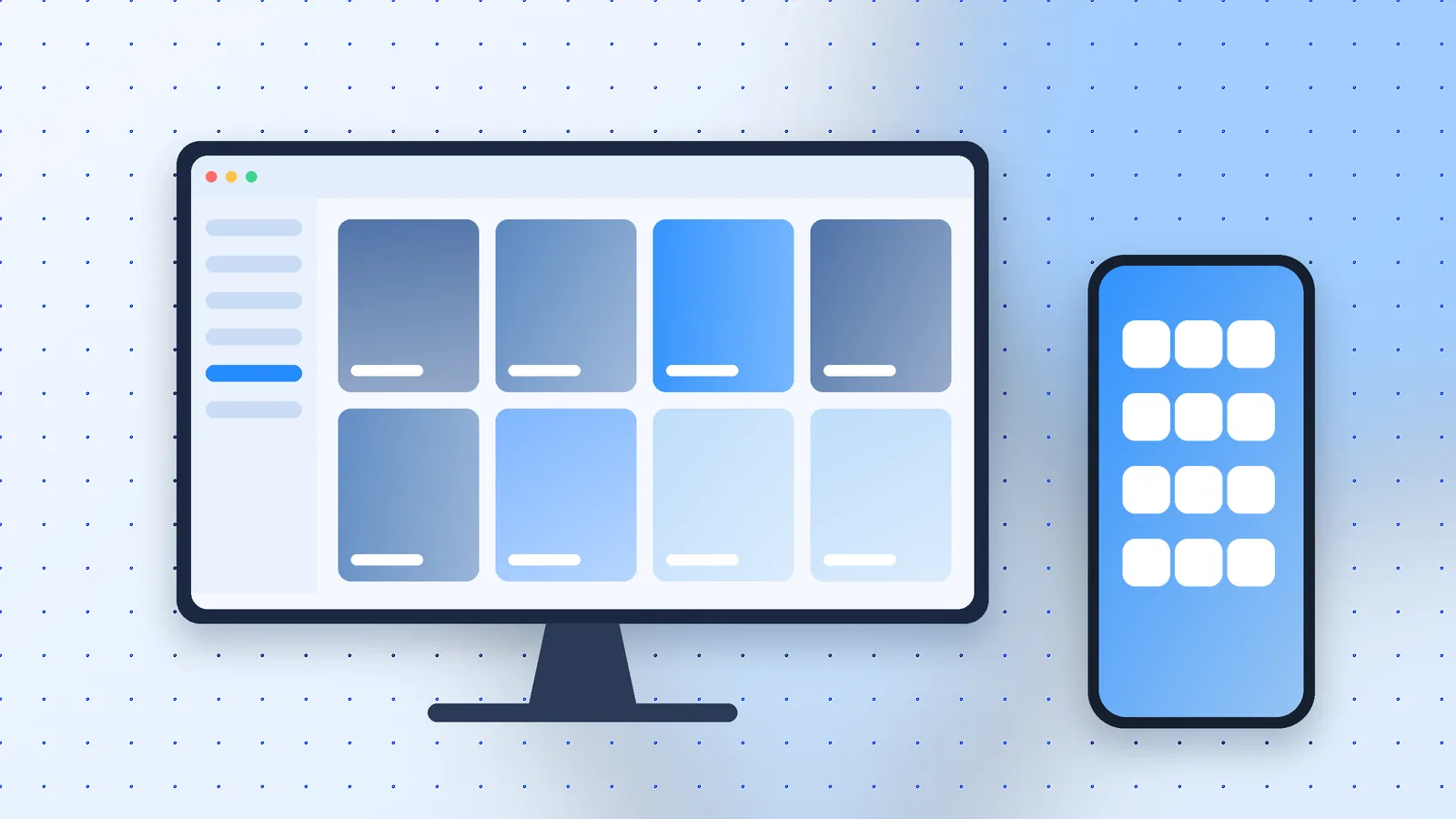
Beyond Android 15, the 6.x releases added condition editing for smart key mapping, manual graphics card selection, a more faithful Copy Device feature and, in V6.8.0, remote control from the MuMuPlayer mobile app.
Should You Upgrade?
For most people, yes: the update is free on Windows and keeps Android 12 available. Wait only if a game you depend on has known issues; the release notes often name specific titles that were fixed.